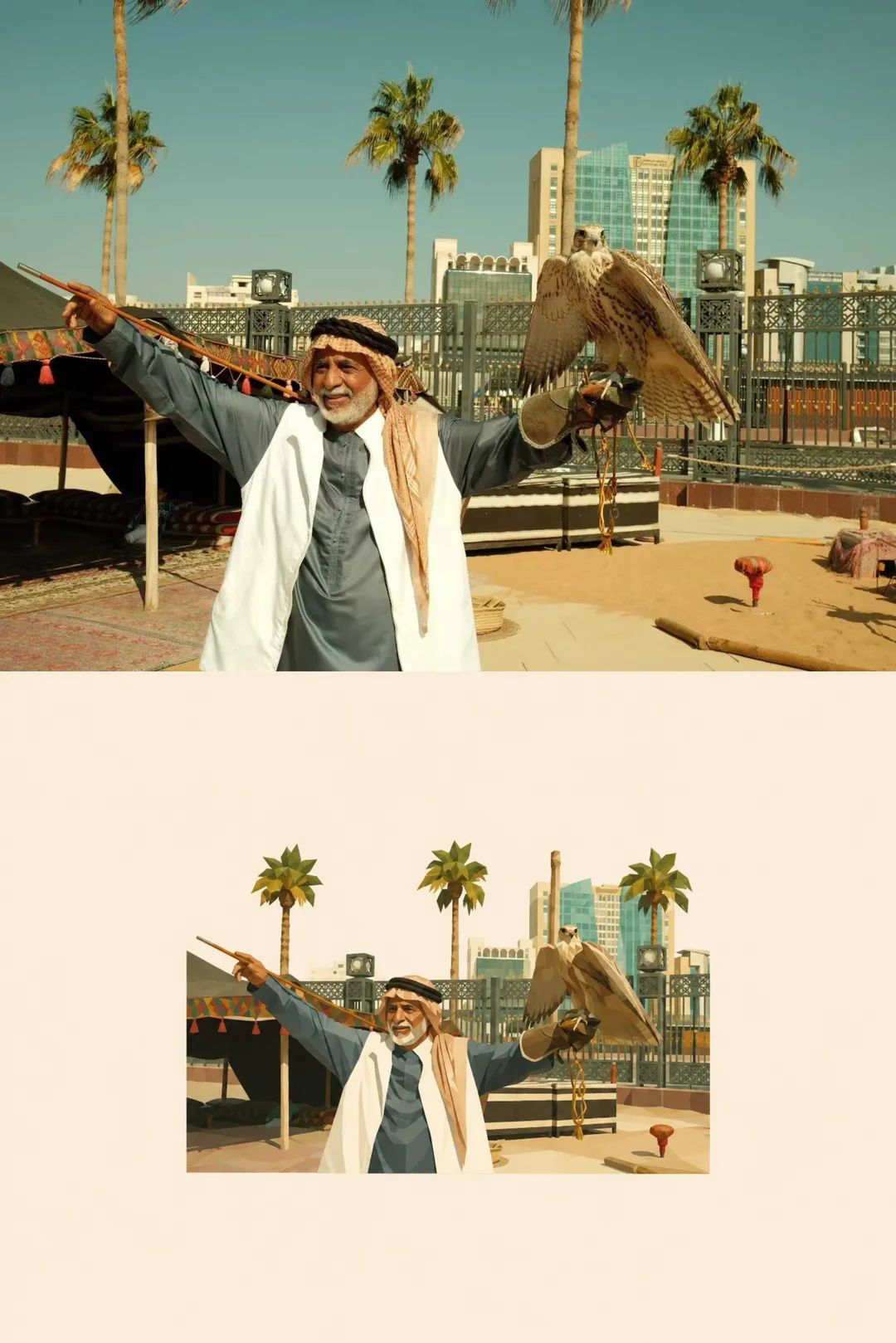
Transform the uploaded real photo into a minimalist low-poly editorial illustration.

Use the original photo as the visual source.

Faithfully preserve:
- the main subject
- pose and gesture
- body direction
- clothing
- important accessories
- key objects
- perspective
- recognizable scene relationships

Do not redesign the scene.
Do not invent a new composition.
Do not add unrelated elements.

STYLE

Convert the photo into a clean 2D low-poly illustration.

Use:
- medium-to-large geometric polygonal planes
- broad angular shapes
- simplified faceted light and shadow
- clean edges
- restrained details
- muted natural colors

Avoid excessive tiny triangles.

The result should feel:
minimal,
quiet,
refined,
editorial,
graphic,
elegant.

Less is more.

COMPOSITION

Create a compact illustrated scene floating in the exact center of a large empty canvas.

Place the entire scene precisely in the center, both horizontally and vertically.

The illustrated scene should occupy only about 35–50% of the total canvas height.

Leave a very large amount of empty space evenly around all four sides.

Do not fill the frame.
Do not crop tightly around the subject.
Do not shift the scene upward, downward, left, or right.

The scene should feel like a small visual specimen displayed in the center of a large editorial page.

BACKGROUND

Use one completely solid background color:

#F4EBDD

The background must remain clean, flat, uniform, and empty.

No texture.
No paper grain.
No gradient.
No vignette.
No decorative elements.
No background shadows.

ASPECT RATIO

Match the canvas aspect ratio to the uploaded photo as closely as possible.

Preserve the original image orientation and overall width-to-height relationship.

Horizontal photo → horizontal output.
Vertical photo → vertical output.
Square or near-square photo → square or near-square output.

Do not force the source photo into a predefined aspect ratio.

SCENE SIMPLIFICATION

Keep only the visual information necessary to recognize the original photo.

Simplify secondary details.

Group:
- buildings
- trees
- plants
- water
- furniture
- architecture
- landscape
- clothing folds
- reflections

into larger geometric masses.

Do not reproduce every small detail.

The outer edge of the illustrated scene should end naturally with an irregular silhouette.

Do not preserve the original rectangular photo boundary inside the canvas.

COLOR

Preserve the original photo’s overall color identity.

Reduce it into a controlled, slightly desaturated palette.

Keep colors natural, muted, warm, and sophisticated.

LIGHT

Preserve the original light direction and overall mood.

Translate realistic lighting into simplified geometric color planes.

FINAL LOOK

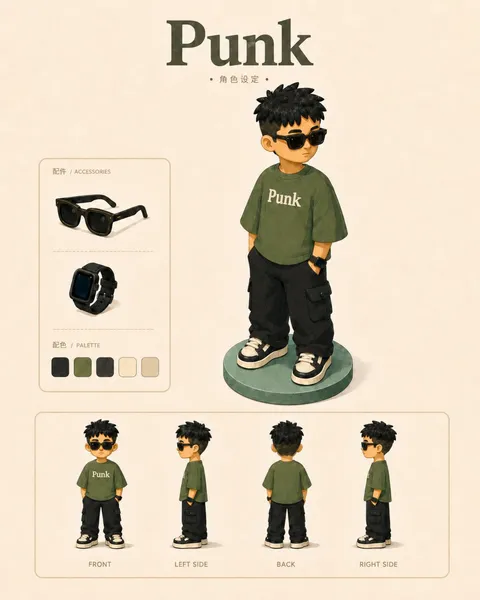
Minimalist low-poly editorial illustration.
Large negative space.
Small centered scene.
Solid #F4EBDD background.
Controlled geometric facets.
Natural irregular scene boundary.
Clear subject recognition.
Elegant visual simplification.
Less is more.
【Title】[TITLE]
【Subtitle】[SUBTITLE]
【Landscape】[canyon / river / cloud mountains / glacier / desert / coast]
【Main Palette】[PRIMARY COLORS]
【Scale Anchor】[tiny traveler / canoe / boat / small building]
【Visual Destination】[moon / distant light / horizon / mountain pass]
【Aspect Ratio】9:16

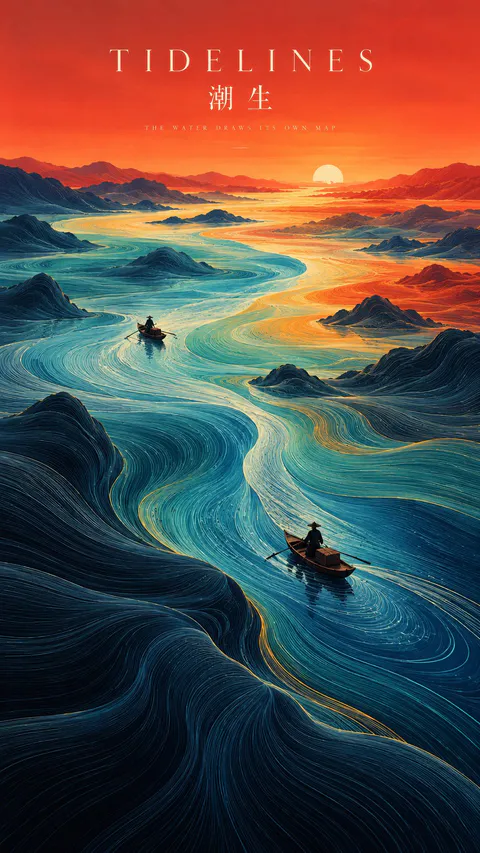
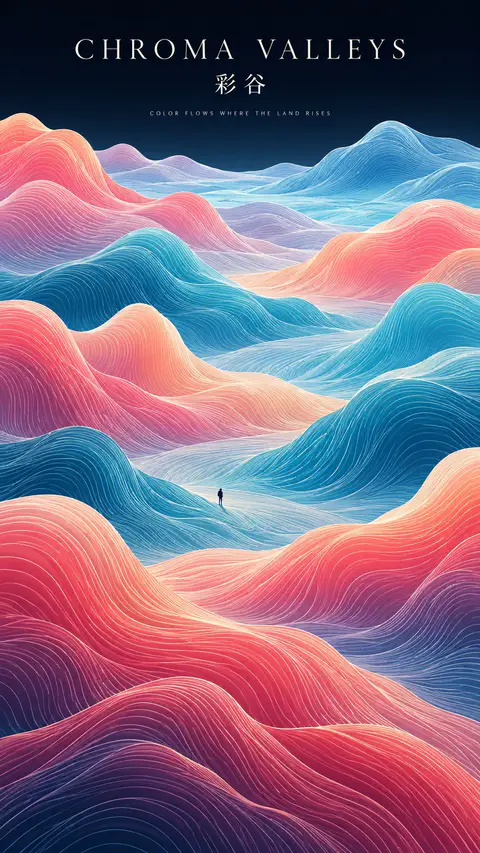
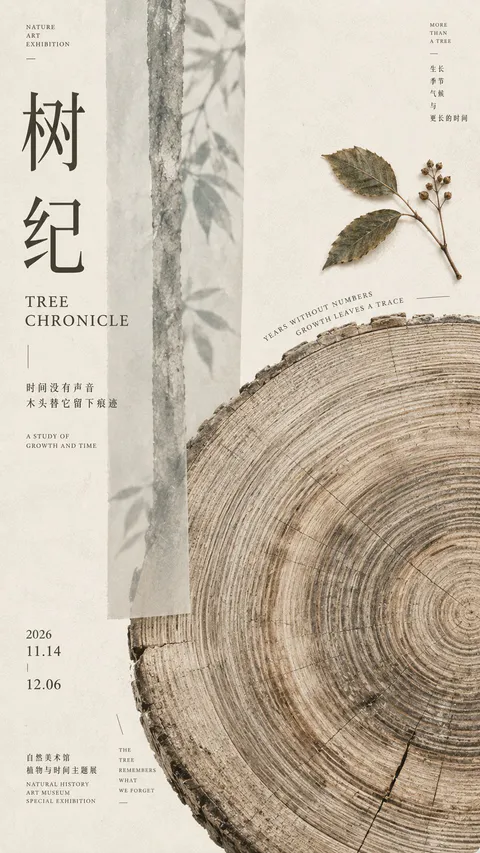
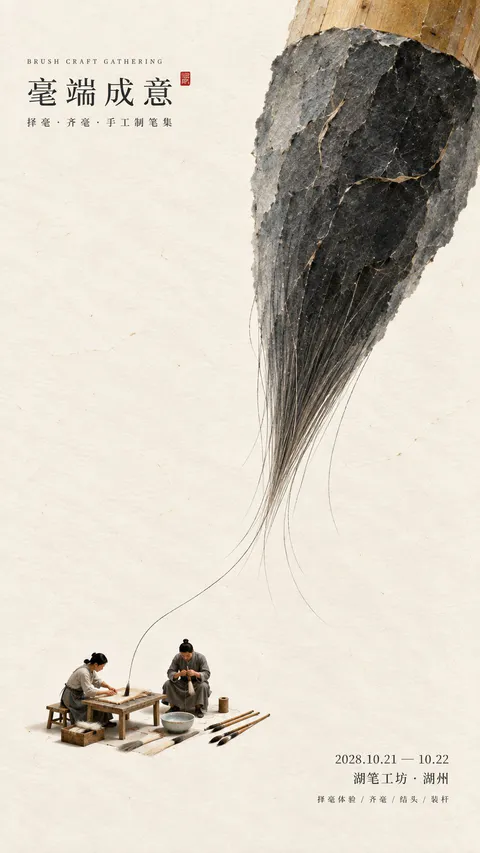
Create a refined vertical art poster that transforms a natural landscape into a flowing topographic world.

Build the terrain from hundreds of long, smooth, continuous contour lines that follow the shape, depth, and movement of the land. The lines should feel like a fusion of topographic maps, silk threads, and abstract Chinese landscape painting — directional, elegant, and highly organized rather than random decorative waves.

Use one strong visual path, such as a river, valley, ridge, cloud road, or negative-space corridor, to guide the eye from foreground to distance.

Keep the natural environment monumental and place only one or two extremely small human figures, boats, or architectural elements as scale anchors.

Use clear spatial hierarchy:
dense flowing lines in the main terrain,
calmer negative space around the visual path,
simpler and softer details in the distance.

Control the palette with 2–4 dominant colors rather than evenly distributed rainbow tones. Use large, clean color fields and let color changes reinforce depth and movement.

Add minimal editorial typography:
[TITLE]
[SUBTITLE]
[SHORT POETIC LINE]

Typography should feel like a contemporary exhibition poster or art-book cover — elegant, widely spaced, restrained, and secondary to the landscape.

The final image should feel poetic, monumental, calm, and highly designed, combining Eastern landscape aesthetics, contour-line abstraction, negative space, and modern editorial composition.
SOURCE & OUTPUT
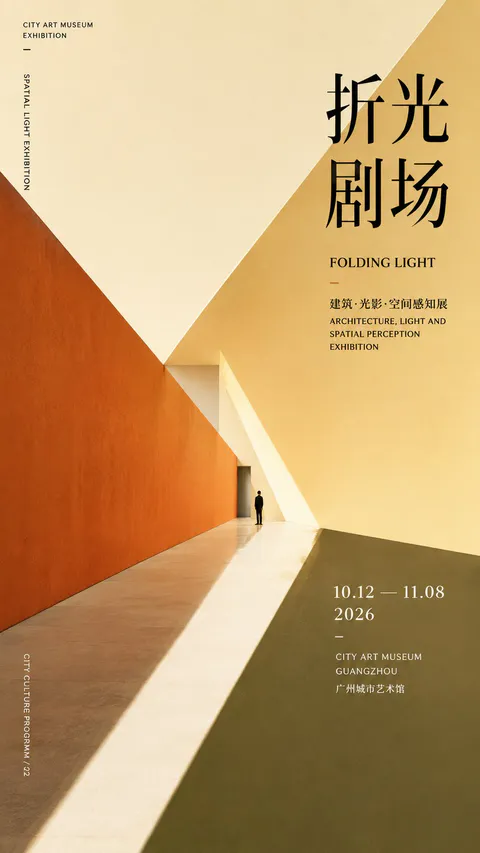
Use each uploaded photo as the sole visual reference. Create one independent, high-end editorial poster per photo and output each separately. Never combine images or create a collage.

FORMAT & LAYOUT
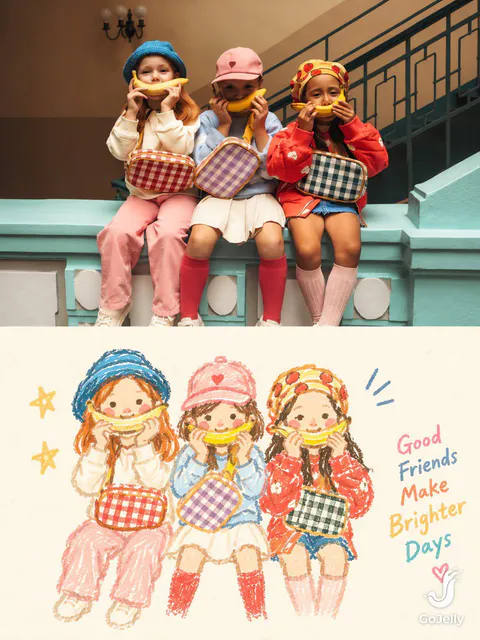
Use a strict vertical 3:4 composition divided into two exactly equal horizontal halves (50/50).

UPPER HALF — ORIGINAL PHOTOGRAPH
Preserve the original photograph faithfully, including the subject’s identity, facial features, structure, pose, proportions, natural texture, lighting, and color atmosphere. Apply only subtle premium editorial color grading for an art-magazine or exhibition-photography aesthetic. If necessary, extend only the surrounding background naturally to fit the frame. Never distort, replace, or redesign the subject.

LOWER HALF — PASTEL CRAYON MEMORY
Reinterpret the photograph as a minimalist, retro paper-texture pastel crayon doodle. Identify the scene’s most memorable subject, pose, relationships, direction, emotional tone, and visual essence. Reconstruct only these defining elements rather than copying every object or illustrating the entire scene.

Use thick, loose, grainy, hand-drawn chalk-and-crayon outlines with dry pigment texture, subtle breaks, faded patches, imperfect edges, slight hand wobble, and naturally rounded stroke endings. Add only a few simple pastel color blocks, stripes, dots, or scribbles to suggest essential details. Avoid realistic volume, detailed rendering, and excessive shading.

COMPOSITION & NEGATIVE SPACE
Keep the illustration small and visually balanced within the lower half, surrounded by generous empty space. Position the subject naturally according to the original photograph, allowing asymmetry, off-center placement, suspended elements, or partial cropping where appropriate.

Include only a few tiny environmental clues or abstract doodles, drawn in the same rough, simplified crayon style. Keep them minimal, imperfect, and contour-based. Prioritize breathing room, scale contrast, visual rhythm, and intentional emptiness. Never overcrowd the composition.

BACKGROUND & COLOR PALETTE
Use a bright, near-white paper background: ivory, cream white, pale off-white, soft apricot white, or very light gray-white. Add only subtle paper fibers and fine grain. Keep the background clean, bright, and clearly lighter than the illustration. Avoid dirty gray, dark yellow, or aged brown paper.

Extract 2–4 defining colors from the original photograph and reinterpret them as fresh, soft pastel crayon tones, such as peach pink, apricot orange, cream yellow, mint green, sky blue, or pale lavender. Use sufficiently distinct coral, blue, blue-green, warm orange, or violet outlines for clear contrast. Maintain a gentle, playful, emotionally warm, and refined palette.

OPTIONAL TEXT
Add only a tiny handwritten note if it genuinely enhances the composition. Keep it sparse, legible, secondary, and unobtrusive. Never use decorative text as filler.

FINAL AESTHETIC
Create a sophisticated editorial poster combining authentic photography above with a reduced, recognizable, hand-drawn memory of the same scene below. The illustration should feel airy, naive without being childish, playful without looking cheap, and minimal without losing the photograph’s identity or emotional meaning. Emphasize expressive linework, selective color, paper texture, asymmetry, and negative space.
【Landscape】[LANDSCAPE]
【Line Structure】[LAYERED / FLOWING / RADIATING / DIRECTIONAL]
【Palette】[COLORS]
【Scale Anchor】[TINY FIGURE / FLAG / BOAT / TENT]
【Aspect Ratio】9:16

Create a refined vertical art poster that transforms the landscape into an abstract **contour-line world**.

Build the terrain primarily from long, smooth, continuous lines that follow its volume, direction, elevation, and movement.

The lines should become the landscape itself, not simply decorate its surface.

Use one clear structural system and strong line-density variation, with dense lines around major forms and more breathing room in calmer areas.

Use 2–5 related colors and let the colors flow naturally along the contour structure.

Keep the landscape monumental and use only one tiny scale anchor.

Add minimal editorial typography:

[TITLE]
[SUBTITLE]
[SHORT POETIC LINE]

High-end exhibition-poster aesthetic, abstract Eastern landscape feeling, strong thumbnail readability, large graphic forms, controlled negative space, and highly visible contour-line structure.
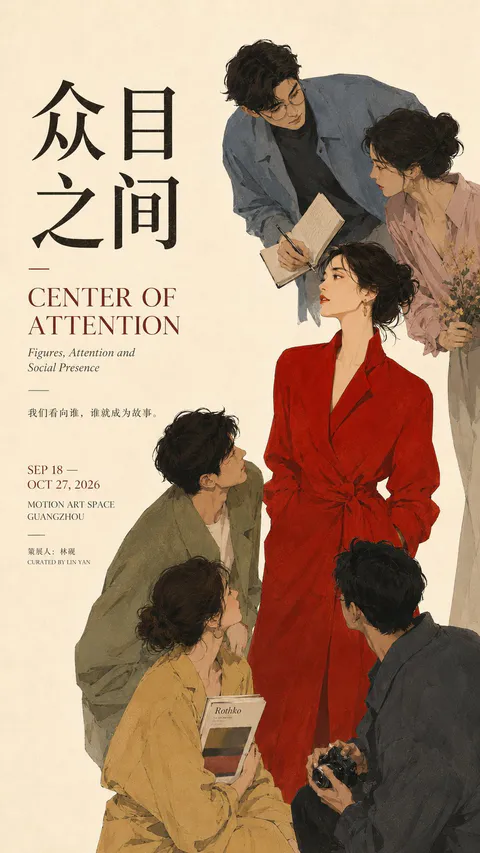
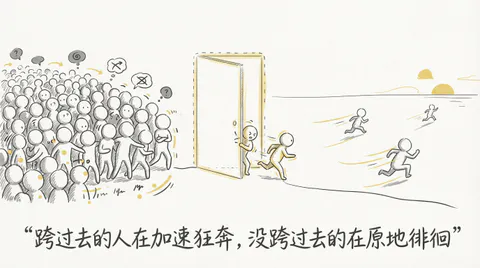
Minimal hand-drawn illustration, off-white paper background, dark gray sketch lines, muted umbrella yellow as the only accent color, lots of negative space, Notion-like doodle aesthetic, faceless round-headed human figure, clean editorial composition, conceptual rather than literal, simple background, no realism, no 3D, no painterly texture, no high saturation, no complex scene, no photographic detail. Add one short Chinese quote in a natural handwritten style near the bottom. The overall mood is restrained, lucid, slightly ironic, and emotionally calm. Keep the whole series visually consistent. Use Chinese wherever possible for any visible language or textual content, unless a proper noun, technical term, or special usage is better kept in its original form.